Rotation mode of the current view with the left mouse button. Rotation is also possible by holding the mouse wheel.
The center of rotation is:
- the center of mass of displayed geometric objects, if at the moment of the mouse cursor rotation, is farther than some overall delta from the displayed workpieces and tools
- the point closest to the cursor on the surface of the workpieces or tool, if at the moment of the origin of the cursor rotation is outside the geometric objects, but falls within a certain overall delta from the surfaces of the displayed workpieces and tools
- a point on the surface of a geometric object, coinciding with the position of the cursor, if at the moment of the origin of the cursor rotation is on the surface of this geometric object
|



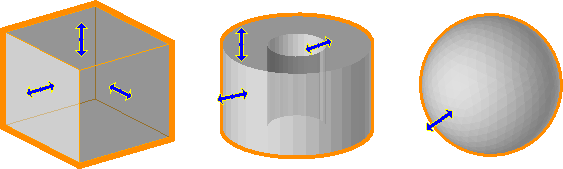
 directed along the normal to the plane surface. By holding the center of the icon with the left mouse button, the selected plane surface can be moved and thereby change the corresponding size of the object.