In QForm UK several tools are available to measure distances − Measure , Distance between tools
 , Scale grid
 and Overall dimensions frame
  located on the Toolbar

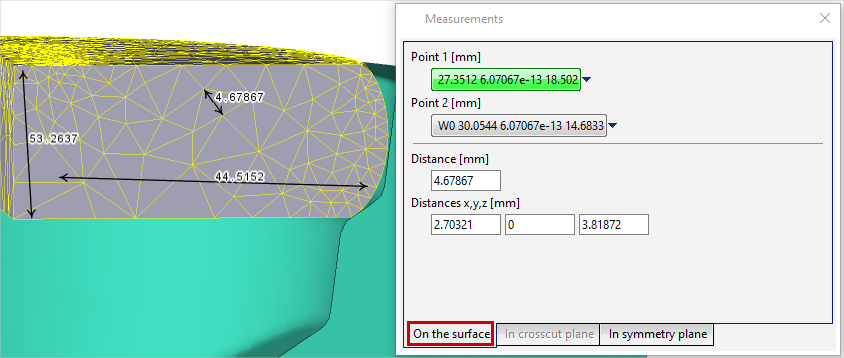
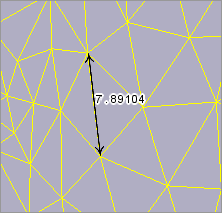
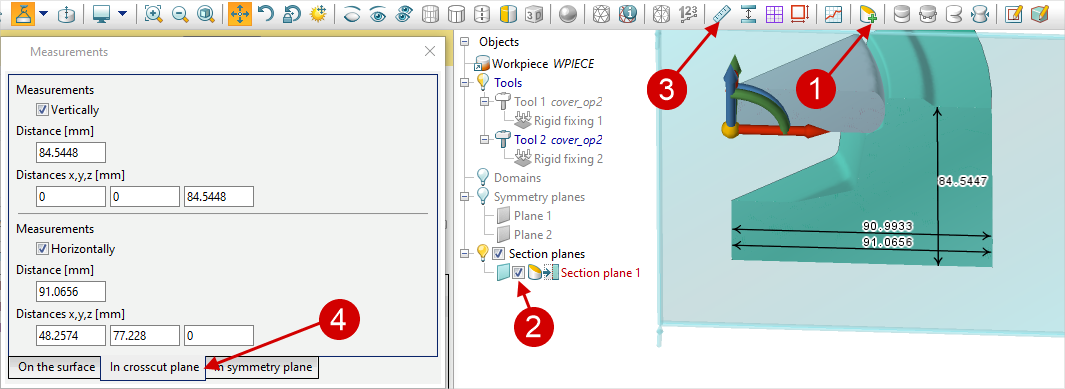
After activating this tool, a window Measurements appears, which has two tabs for 2D simulation: On the surface and In plane. An additional tab In crosscut plane will be added for 3D simulation. By default the On the surface tab is active, which prompts the user to assign two points on one or two different objects, between which the distance will be measured. Each point is assigned by double-clicking on the surface or cross cut plane of the object:
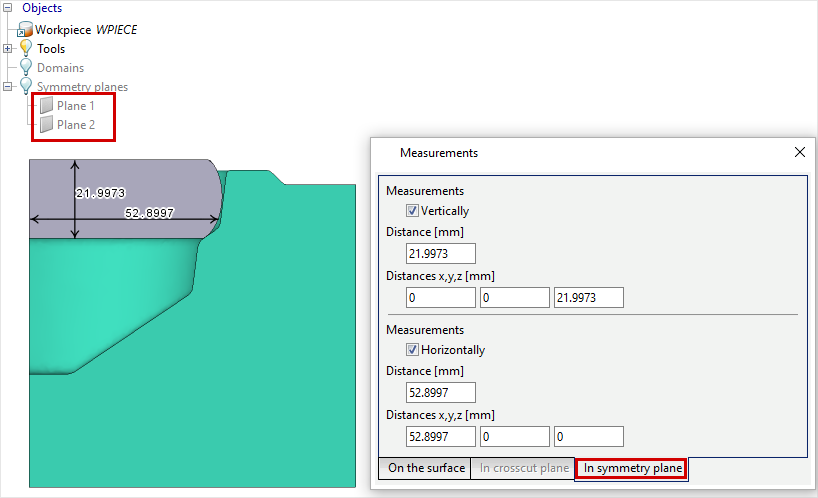
In addition to double-clicking, manual specifying of coordinates is also available. To do this, click on the drop-down list, enter the coordinates and click OK. After specifying points in the window Measurements their coordinates, the distance between points and the difference in coordinates are displayed. At the bottom of the window Measurements you can switch to the In crosscut plane and In symmetry plane tabs. Using these tabs, the user can measure the horizontal and vertical dimensions of objects and distances between objects. Measurement In symmetry plane can be performed in a 2D simulation or in a 3D simulation with symmetry planes.
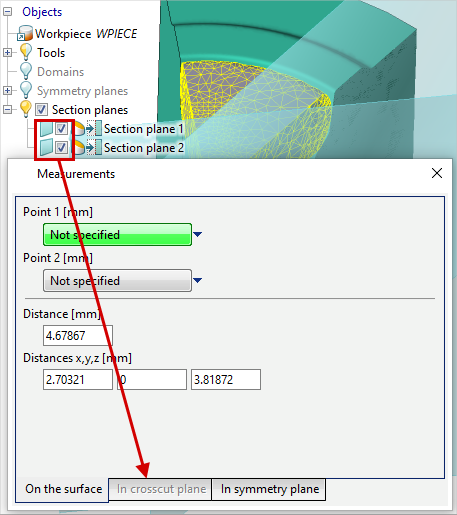
To perform measurements In crosscut plane in 3D simulation, the user have to create and/or activate one cross cut plane to carry out measurements in the opened Section planes window. Before pressing the button Measurement the selected cross cut plane must be activated in the object tree. When you move the mouse cursor over the selected cross cut plane, horizontal and/or vertical dimensions will be displayed:
The dimensions can be fixed on screen by clicking the left mouse button. You can sequentially delete previously fixed dimensions by clicking the right mouse button.
|
||||||||||

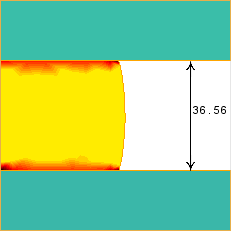
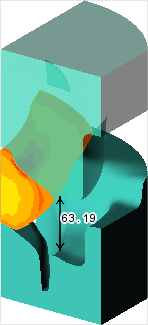
When this feature is activated, the current distance between tools is displayed if Stop conditionDistance is selected. The distance is measured in the direction of tools movement along a line passing through the point whose coordinates are specified in the Stop conditions tab. If the point is not defined, then the measurement is made at the location of the smallest distance between the tools:
|
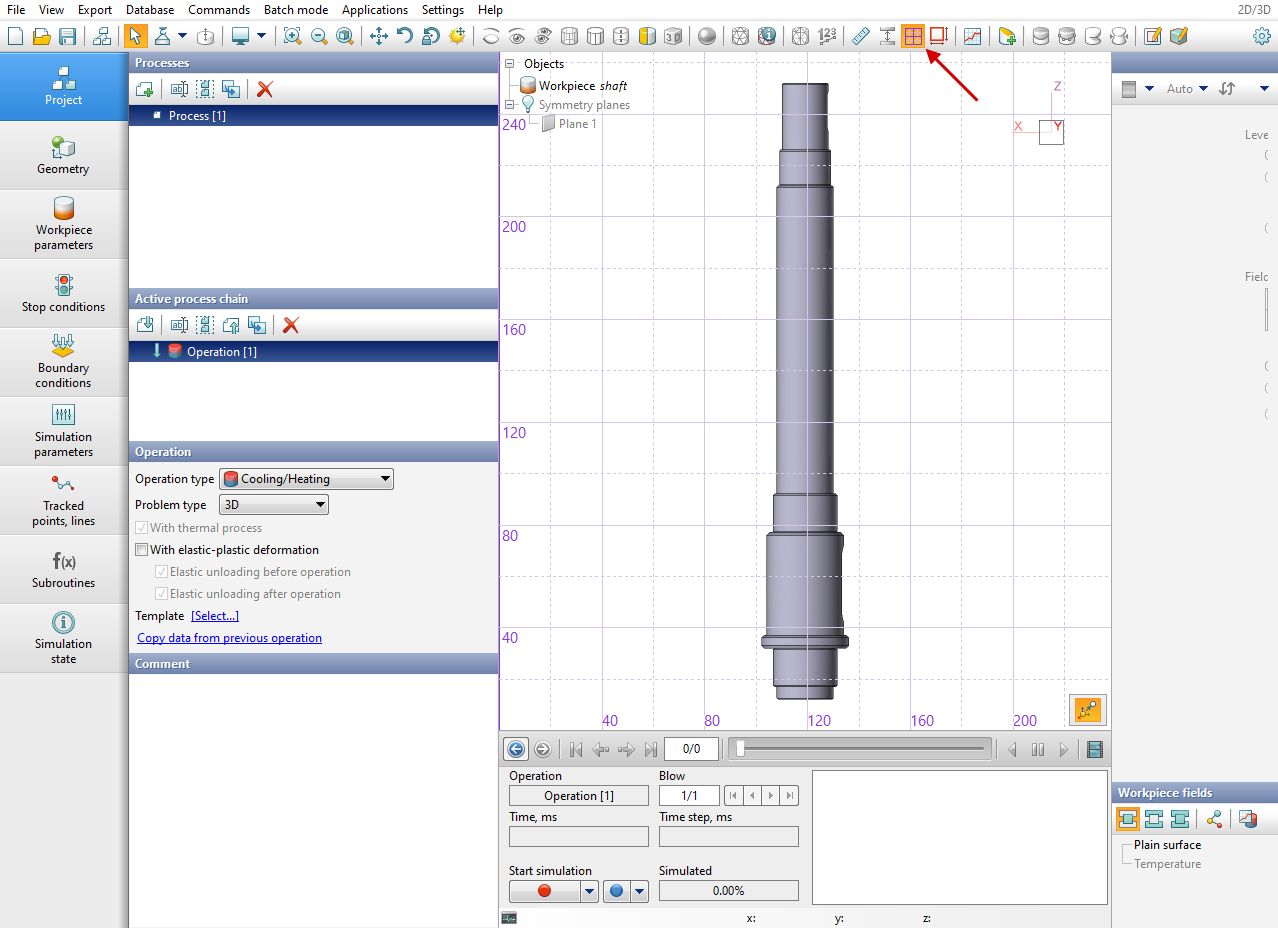
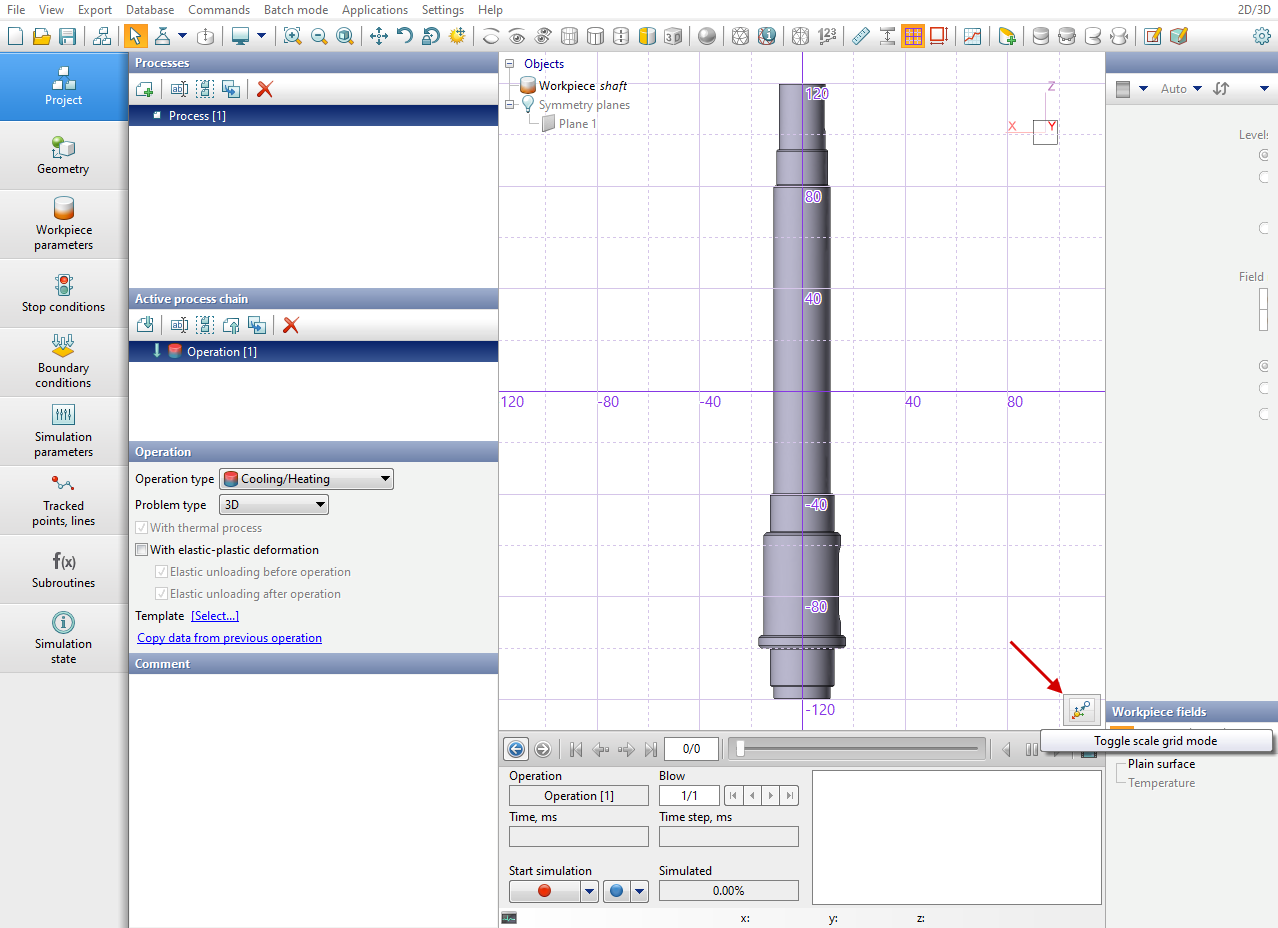
When this feature is activated, a grid that allows you to estimate the sizes of objects is displayed. It is possible to switch between the two modes for a scale grid:
|
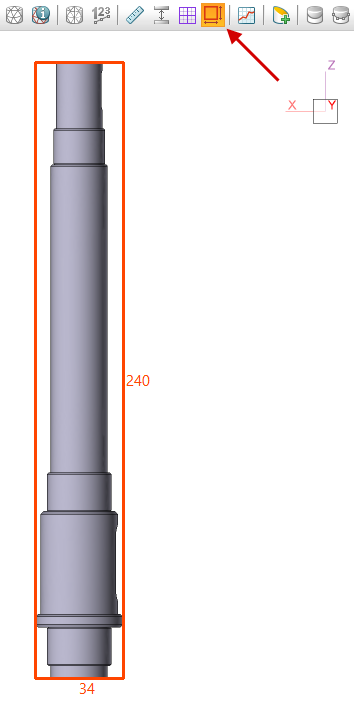
When this feature is activated, a rectangular frame outlining the dimensions of the objects projection is displayed:
|