In the QForm UK, two modules are available for simulating longitudinal rolling processes: Longitudinal rolling and Reverse rolling. In these operations, the Rolling parameters tab becomes available, significantly simplifying the preparation of initial data:
1. There is no need to set special boundary conditions for pushing the workpieces between the rolls. The workpiece is automatically pushed into the roll gap and held horizontally during rolling;
2. When using the dual-mesh method, there is no need to create local adaptation areas or set additional parameters for them.
3. The process is quasi-steady: a stationary mesh is created for the rolls, and the velocities are transferred to the workpiece as if from rotating rolls.
4. The rolling axis direction and roll rotation direction are determined automatically.
5. After the workpiece exits the contact zone with the rolls, the simulation stops automatically unless a different stop condition is defined.
Longitudinal rolling
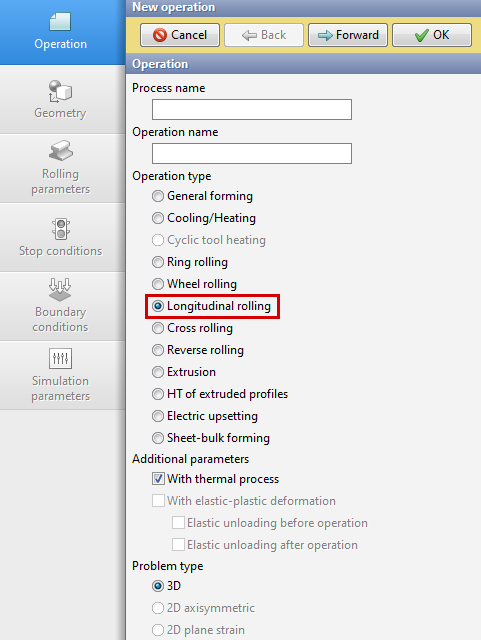
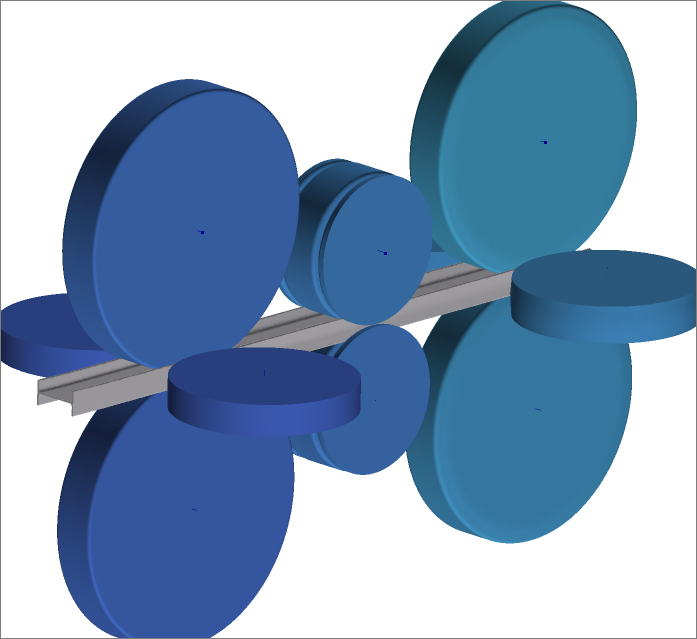
To activate the module, select Operation Type – Longitudinal Rolling. The formulation of the task depends on the loaded geometry and the amount of rolls: it is possible to simulate one or several roll groups using stands of different configurations (see figure below).
|
|
Reverse rolling
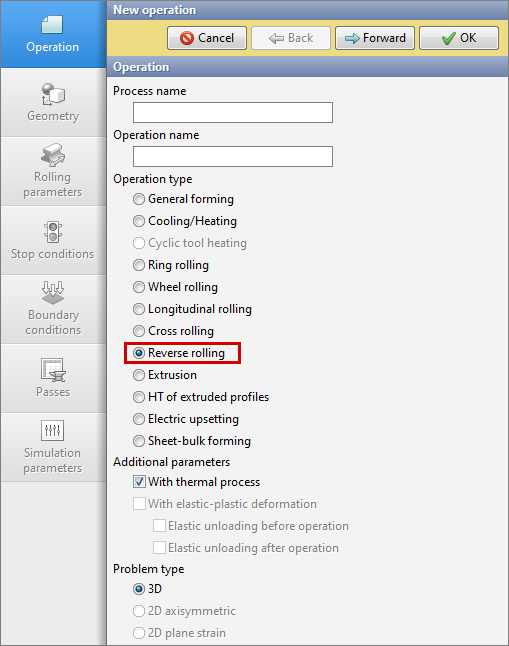
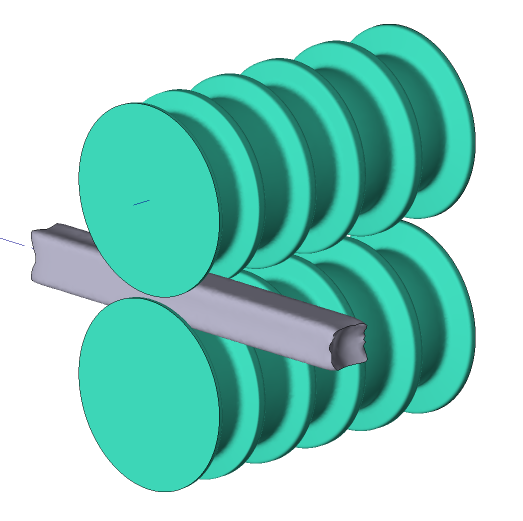
To activate the module you must select Operation type - Reverse rolling. This module includes a new Passes tab that prepares inital data for a specified number of passes. Simulation is carried out with two or three horizontal rolls, and it is also possible to add side (vertical) rolls for edge reduction. The formulation of the task depends on the loaded geometry: rolling in a two or three high mill stand; sheet rolling.
|
|
|
Information |
The subsections describe Features of simulation longitudinal rolling, Geometry preparation, Tools parameters, Rolling parameters and Analysis of results. Sections are written using the module as an example Longitudinal rolling and relevant for the module Reverse rolling. Following the sections are examples in each module. |
|

|
Information |
To take into account elastic deformations in the rolling process, for example, to simulate cold rolling or straightening of strips and profiles, it is necessary to activate the option With elastic-plastic deformation (see section Operation ), then deactivate the parameter Dual mesh method and set the parameter Multistep shift equal to one (see section Simulation parameters ). |
|
|
Information |
To develop the roll pass design of rolling processes for simple and shaped profiles, we suggest you familiarize yourself with our CAD product QKaliber on the official website http://qform3d.com/products/qkaliber . In addition to developing, analyzing, and improving technologies for rolling sections and shaped sections, CAD allows you to prepare the geometry of grooves, create wiring diagrams and drawings of grooves, and automatically generate a project in QForm UK. |
|