QForm UK has the ability to create and save Simulation parameters templates.
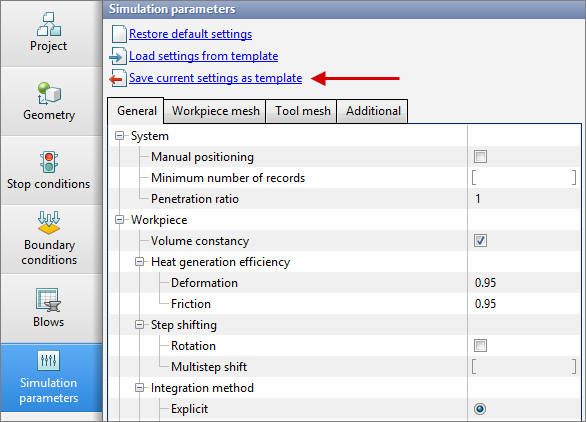
To create a template, make the necessary changes in the simulation parameters and click Save current settings as template
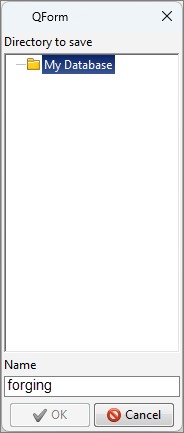
After that the program will prompt to set the name of the template. For example:
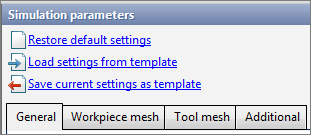
The template will be saved in the database. To load this template in other projects, use the Load settings from template
See also: