Process templates are used to automate setting the initial data for simulation. User can save some initial data from a typical process and then use this data in other simulations. For example, if a typical process is forging a steel C40 workpieces at 1250°C with a steel C40 tool with initial temperature of 200° and graphite-water lubricant, the initial data for that process can be loaded with one click from the corresponding template.
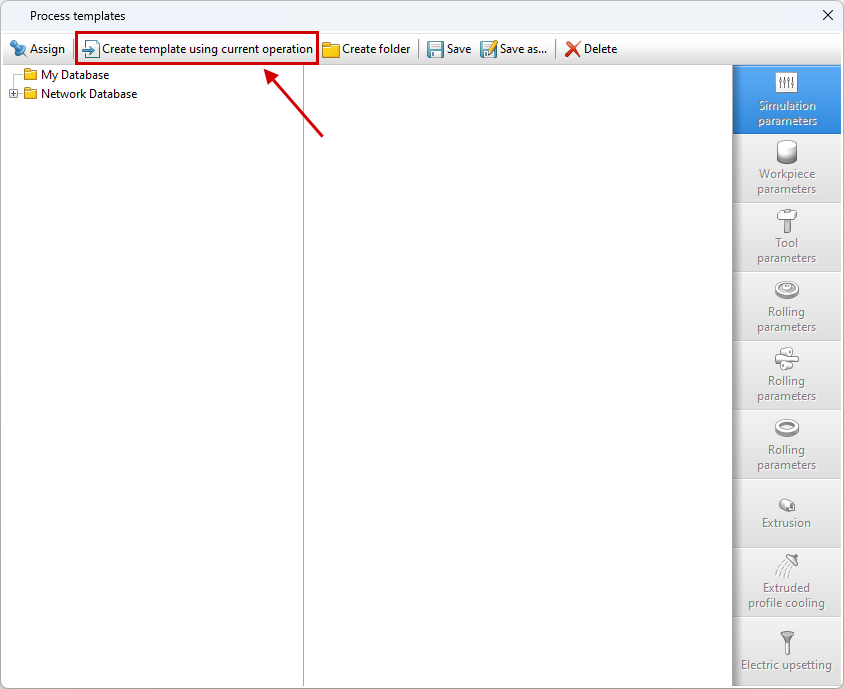
To create a template, you need to open *.qform sample project file , select in Main menu - Database - Process templates and in the window that opens click Create template from active operation, give it a name and save it in the database:
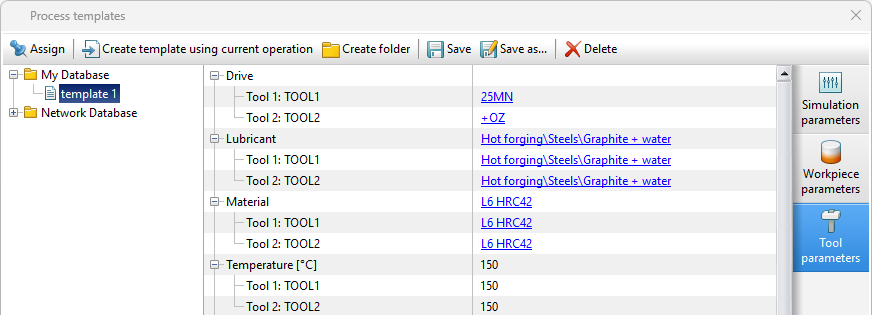
If necessary, you can edit the created template or create other variants of this template by saving it under another name:
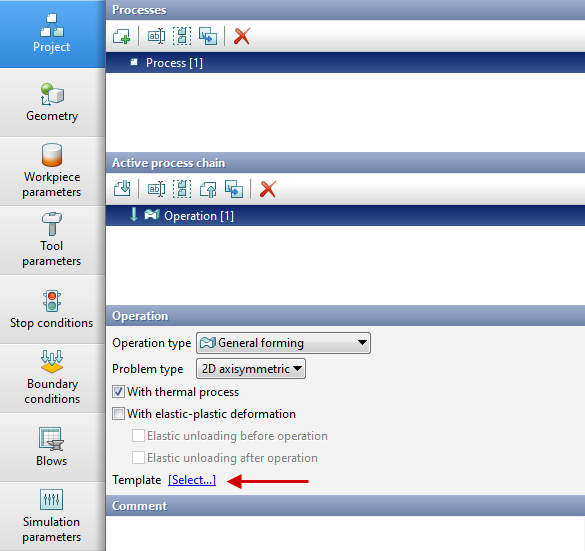
You can assign an operation template in the tab OperationInitial data panel:
See also: