Installation procedure QForm UK:
1.Log in to the operating system as Administrator
2.Run the QForm UK.exe in the window that opens, select the installation language and click Next
|
Information |
The language of the installation window before language selection corresponds to the language of the operating system. |
|

3.In the installation window QForm UK click Next
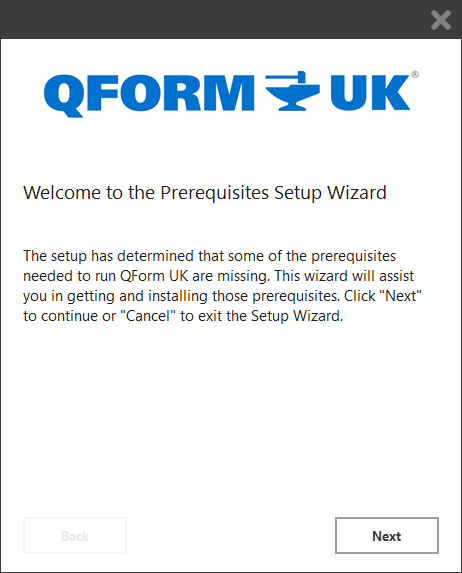
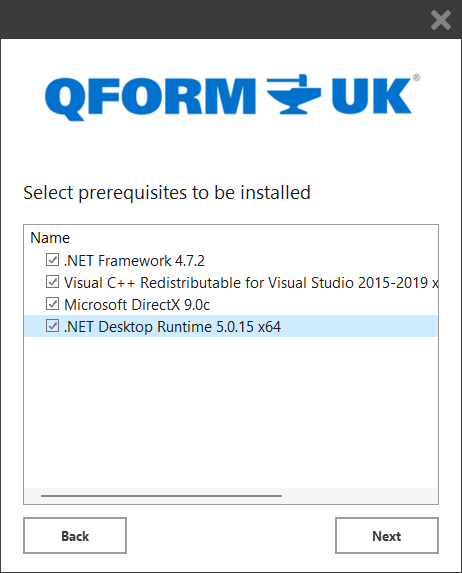
4.Select the necessary components for installation (the uninstalled components' checkboxes will be automatically ticked). Click Next
|
Information |
If the operating system contains all the required components, steps 3 and 4 will be skipped automatically. |
|
5.Specify the program installation path. The installer will suggest a default path C:\QForm UK\12.0.1\ (recommended), you can change the installation directory if necessary. Read the terms of the license agreement and check the box that you accept them. Click Next
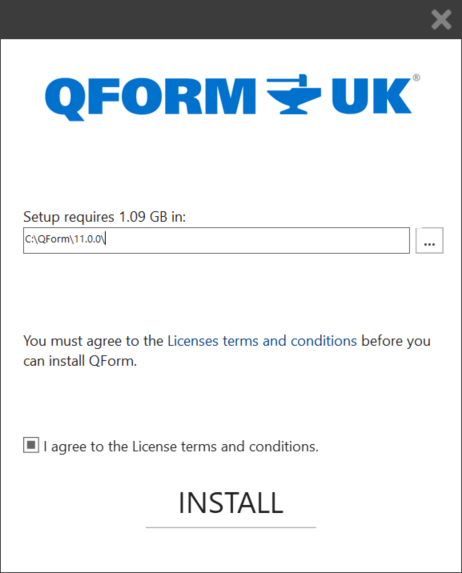
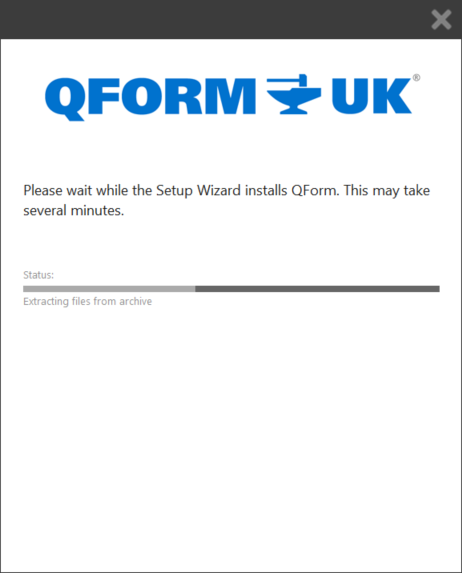
Program installation will take some time:
6.When the installation is complete, a message about successful installation of QForm UK will appear.
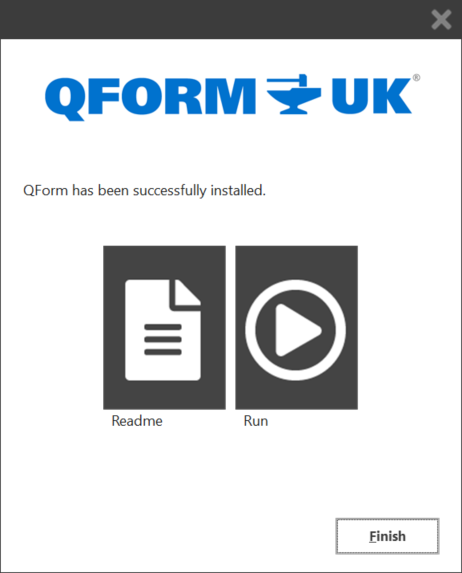
You can run the program immediately by clicking the Run button. Click Finish to close the program installation window.
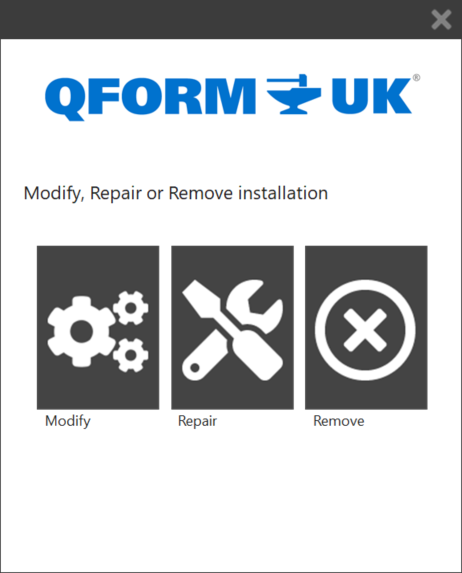
When you run QForm UK.exe again the Edit, Correct and Delete commands will be available in the opened window.